Table of Contents
How to Connect to Our VPN
Short Version
- Download the OpenVPN Connect App OpenVPN Connect Website for your system
- Install the OpenVPN Connect App
- Load our configuration file: EOLab.ovpn
- Type your credentials. If you do not have credentials to use our VPN ask for support
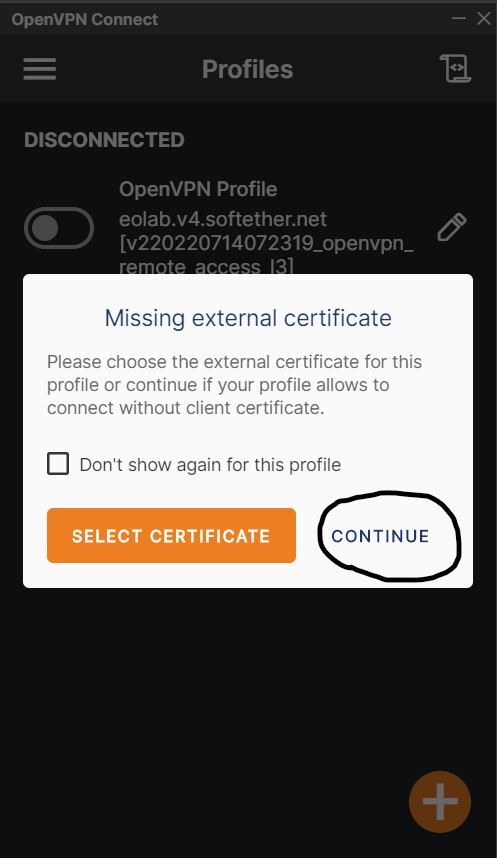
- “Connect” to the VPN. “Continue” when asked for a “Missing external certificate”
- Have fun!
Long Version
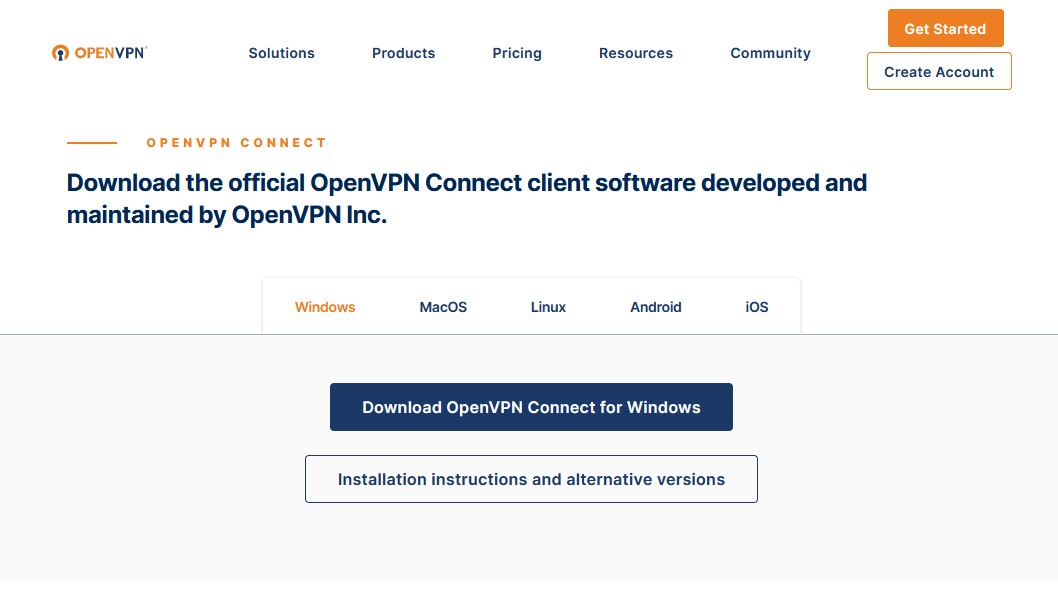
We are using OpenVPN for this. OpenVPN has clients available that make it easy to set it up on any major operating system. To get the official instructions please visit the OpenVPN Connect Website.
- You then choose your platform and download the OpenVPN Connect App by clicking “Download OpenVPN Connect for [your Platform]”.
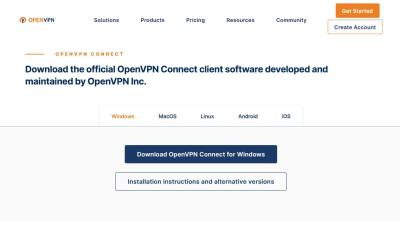 Fig. 1 If you need more instructions on how to install the application, please click “Installation instructions and alternative versions”. There you can find some “Frequently Asked Questions” and also more information on how to do “Downloading and installing”.If you follow the steps explained on the aforementioned site, please download the application from the OpenVPN site as explained above. We do not host our own version (yet?
 )
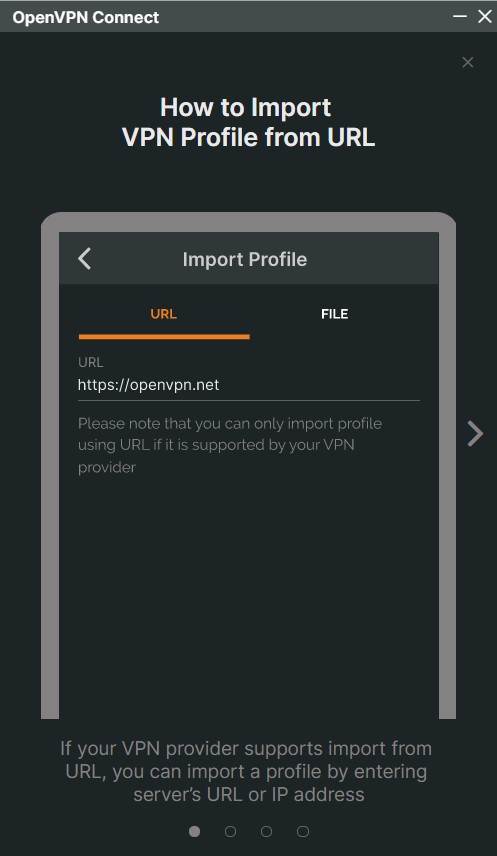
) - After you completed the installation you can find the OpenVPN Connect Client in your system tray. At least on Windows, it will open up immediately after the installation finishes.
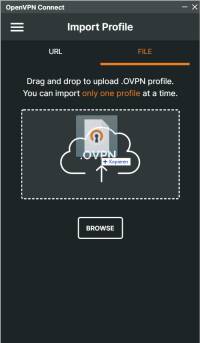 Fig. 2
 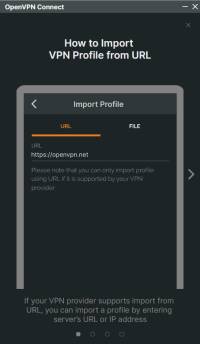 Fig. 3 It will show you guide on how to use the app. We will use the “import from file”-feature. To exit the guide, go through the four pages or hit the “Cross”-Icon in the top right corner. You will also need to expect some stuff given by OpenVPN.
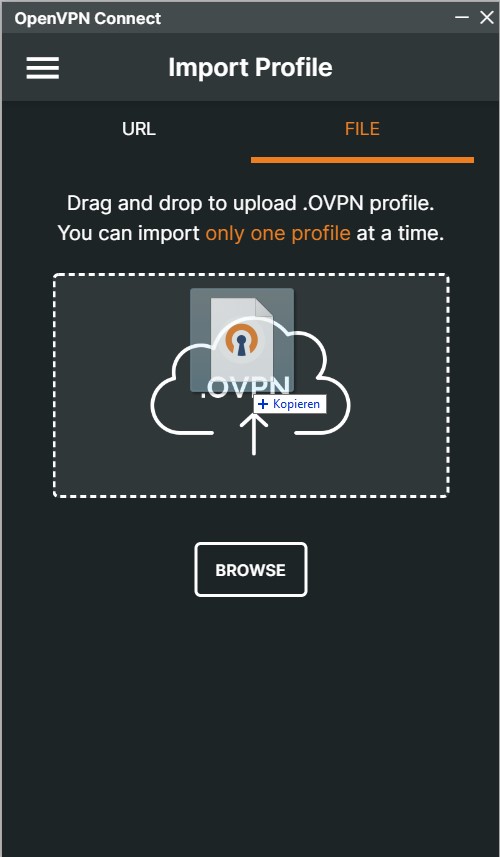
 - You should now be at the “Import Profile”-Screen. It consists of two tabs: “URL” and “File”. Please select “File”. It will then ask you to upload a so-called “.OVPN”-File. This file contains all the necessary information to use our VPN (besides the login information). You can download it right here: EOLab.ovpn
- After you downloaded the file, Drag and Drop it into the OVPN Connect App. Everything besides the username and password will be automagically be filled out for you. You can now fill in the username and password which are provided by our on-site team. To type in the password just check “Save password”. After all of that, you can now just click connect.
- You are now connected. Have fun!